Pages
Invoices & Bills
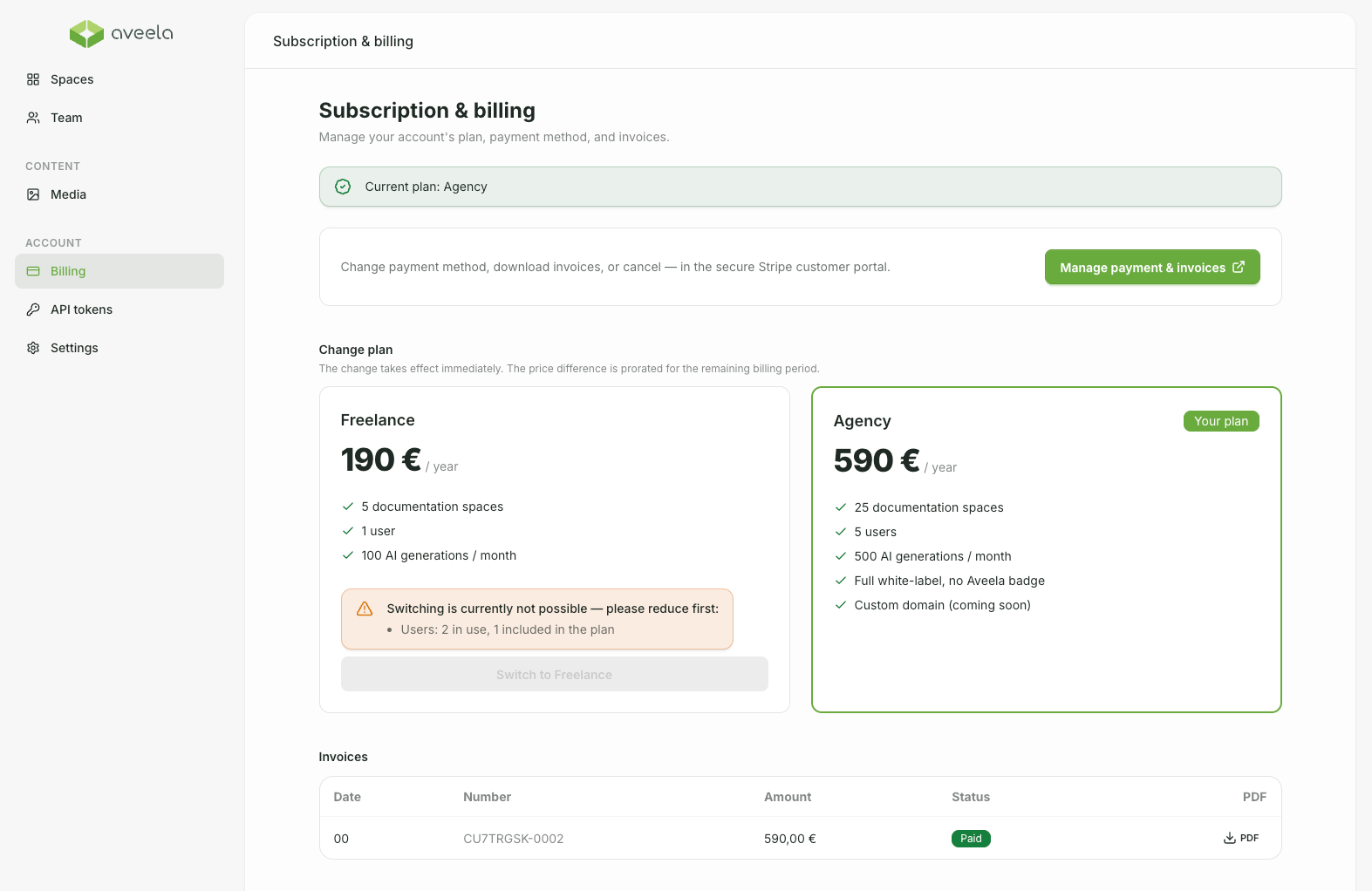
You can manage rates and invoices under Account → Billing.
Select plan: Click "Choose This Plan" to proceed to the secure payment process (Stripe). Your subscription will be activated immediately upon completion.
Manage Payment & Invoices: Selecting Manage Payment & Invoices opens the Stripe customer portal in a new tab, where you can change your payment method, download invoices, or cancel.
Invoices are also listed in an overview (date, number, amount, status) and can be downloaded as PDFs.