

Pages
Editor Overview
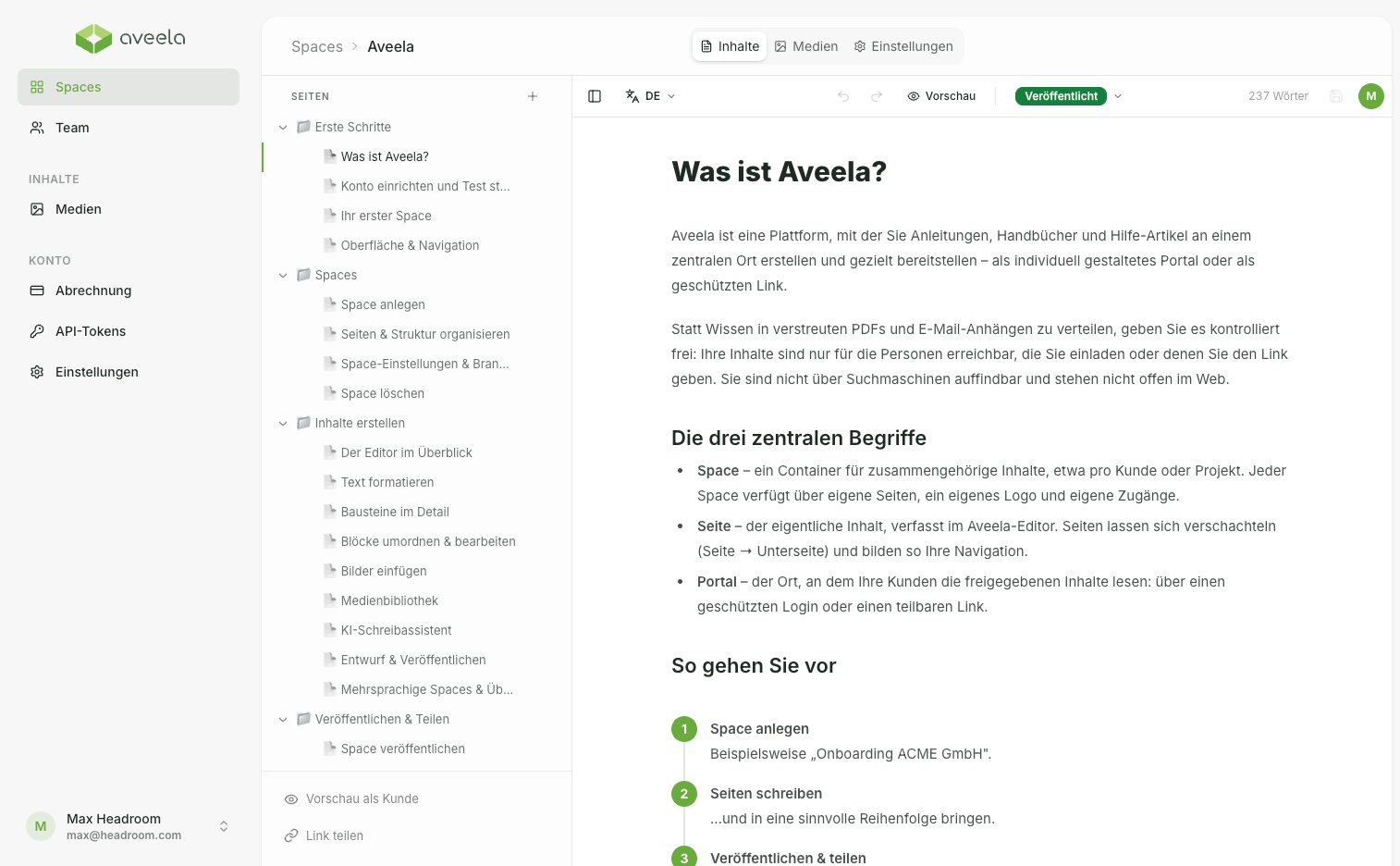
To open the Editor, go to the Content tab of a Space. The page list is on the left, and the writing area is in the center. You can type as you would in a familiar text document—there are two ways to apply formatting and insert elements, which are explained on the following pages.
Autosave: Your changes are saved continuously (a few seconds after your last input). A status indicator shows Saving… or Saved. If needed, save manually with Ctrl/Cmd + S.
Collaborative editing: If another person has the same page open, you will initially see it in read-only mode. You can take over editing by selecting "Take over editing."
1
2
3
4
- Sidebar
- Writing surface
- Storage Status
- Publish switch