

Pages
Publish a space
Aveela operates on a two-step principle:
The individual Pages must be published (see Draft & Publishing)
The Space itself must be published.
In the Spaces overview, you set the Space status via the ⋯ menu on the card: Publish. The status changes from Draft to Published. Use Set to Draft to take it offline again without losing any content.
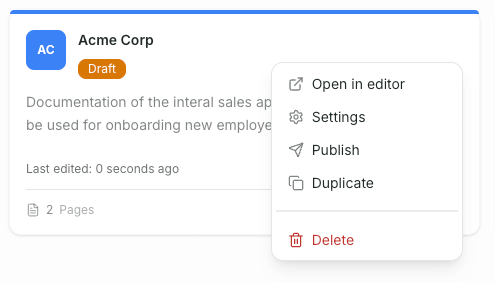
As long as a Space is in draft mode, neither the sharing link nor the portal access will work.