

Pages
Account Branding
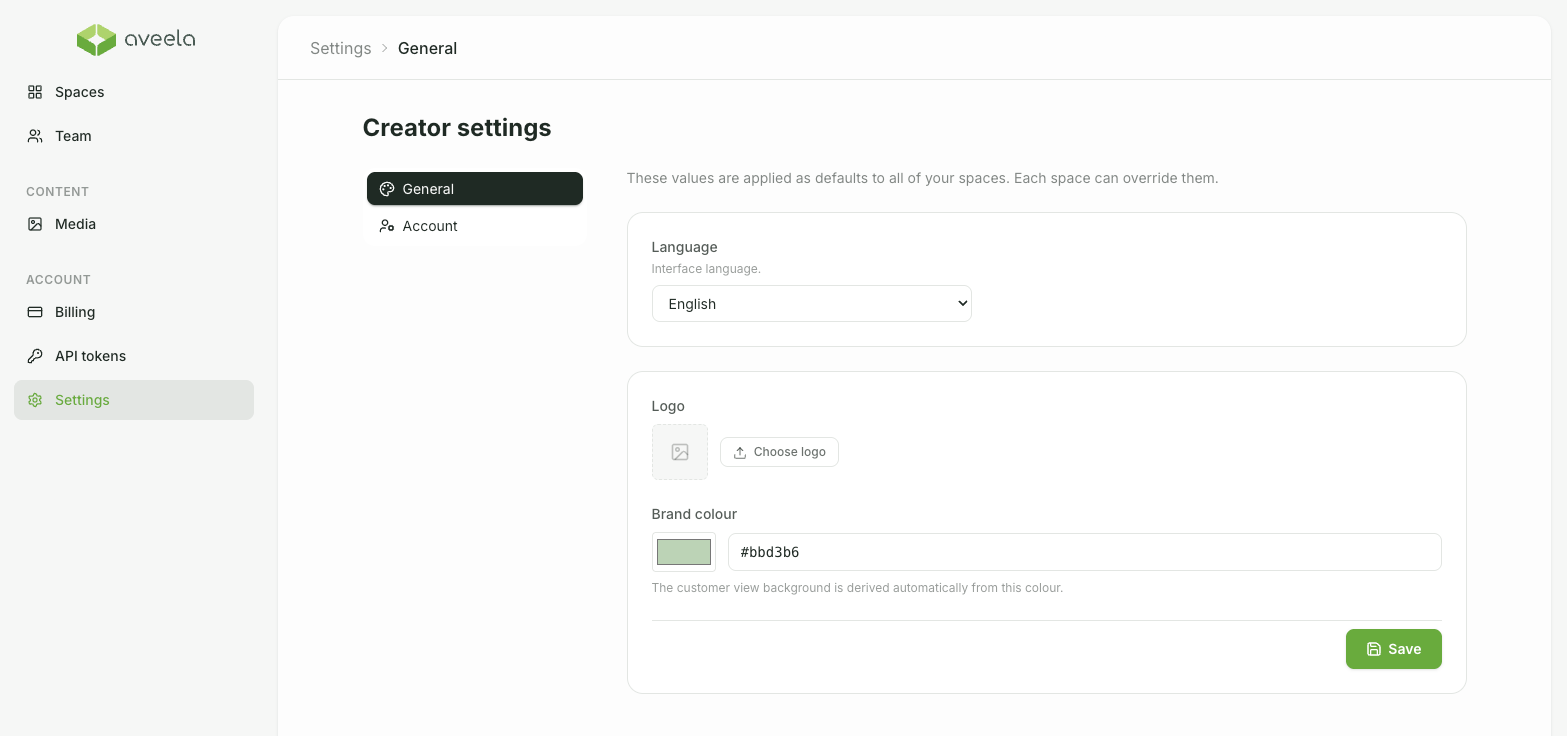
Under Account → Settings (General tab), set your global appearance.
Logo – select or upload via Logo, reset with Remove.
Branding color – as a preset or custom value. The background of the customer view is automatically derived from this color.
These values are considered Standard for all Spaces; any Space can overwrite them (seeSpace Settings & Branding)
Only the account owner can change the account branding.