Pages
Your documentation is excellent.
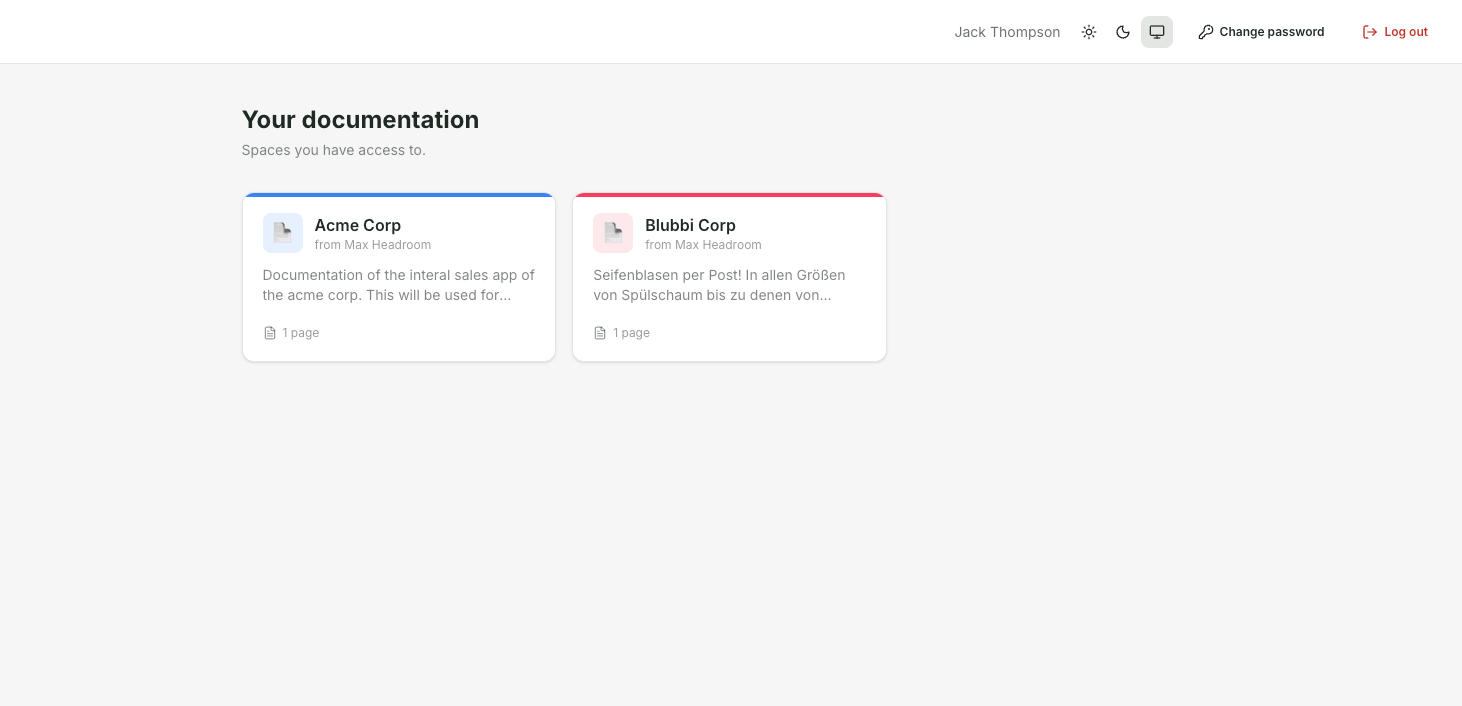
After logging in, you will land on "Your Documentation" – an overview of the Spaces you have access to.
Each card displays the name, provider ("by ..."), a brief description, and the number of pages.
One click opens the documentation.
If no Space has been assigned to you yet, you will see the message "No Space has been assigned to you yet."