Pages
Navigate a documentation
Within a documentation, the following are available to you:
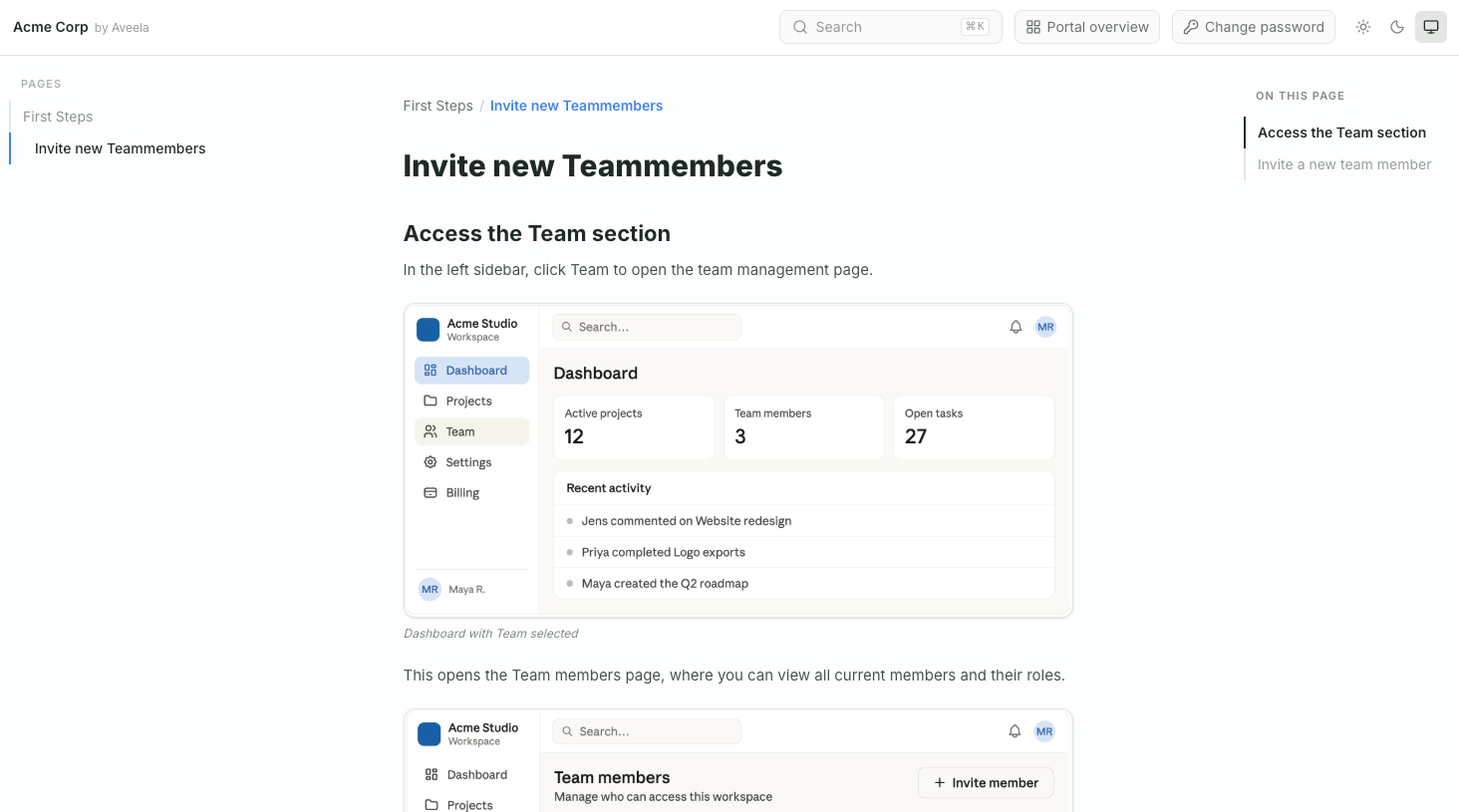
Side navigation on the left – navigation through all pages and subpages. The current page is highlighted.
Search – use Ctrl/Cmd + K to search all pages ("Search pages…").
On this page - use the table of contents on the right to jump to each section.
Previous / Next Page – scroll to the end of the page to continue.
Use "Portal overview" to return to your list of documentations.