Pages
Connecting with Aveela
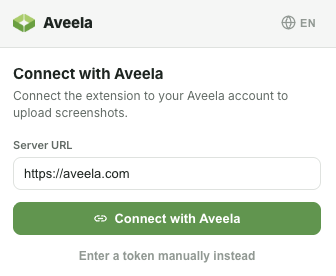
Before the extension can upload content, connect it to your account once. Initiate the process from within the extension.
Open the extension in your browser and start the connection. An Aveela page titled "Connect with Aveela" will open.
Aveela displays which account you are logged in with ("Logged in as…"). Confirm with "Authorize extension".
Aveela provides the extension with an access token; upon success, "Successfully connected! You can close this window." appears.
The token is created and transferred automatically—no need to copy anything. You can revoke it at any time under Account → API Tokens.