

Pages
Profile & Password
You can change your password via the profile menu (at the bottom of the navigation bar) → Change password.
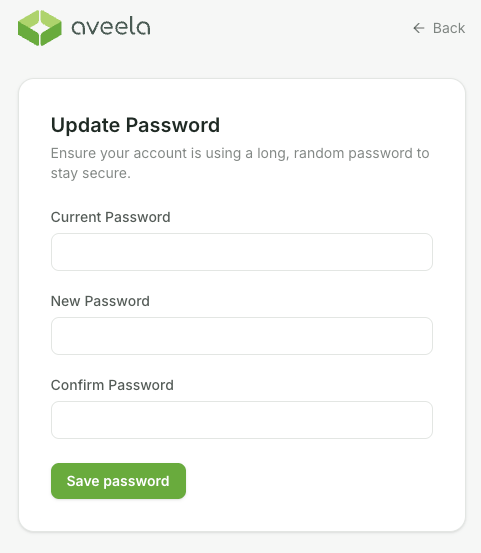
Enter the current password, new password, and password confirmation, then click "Save Password" to apply.
Hosted in the EU · GDPR-compliant
You can change your password via the profile menu (at the bottom of the navigation bar) → Change password.
Enter the current password, new password, and password confirmation, then click "Save Password" to apply.