

Pages
API tokens
Under Account → Manage API Tokens, you can manage access for the browser extension and your own integrations.
Create token
Enter a name under "New Token" (e.g., "Browser Extension") so you can recognize it later.
Select "Create".
The token is only displayed once: "Copy the token now—it will not be shown again for security reasons." Copy it using "Copy" and store it securely.
Manage tokens
Under "Active Tokens," you will see the name, creation date, and last usage for each token. Selecting "Revoke" (after confirmation) will permanently deactivate a token.
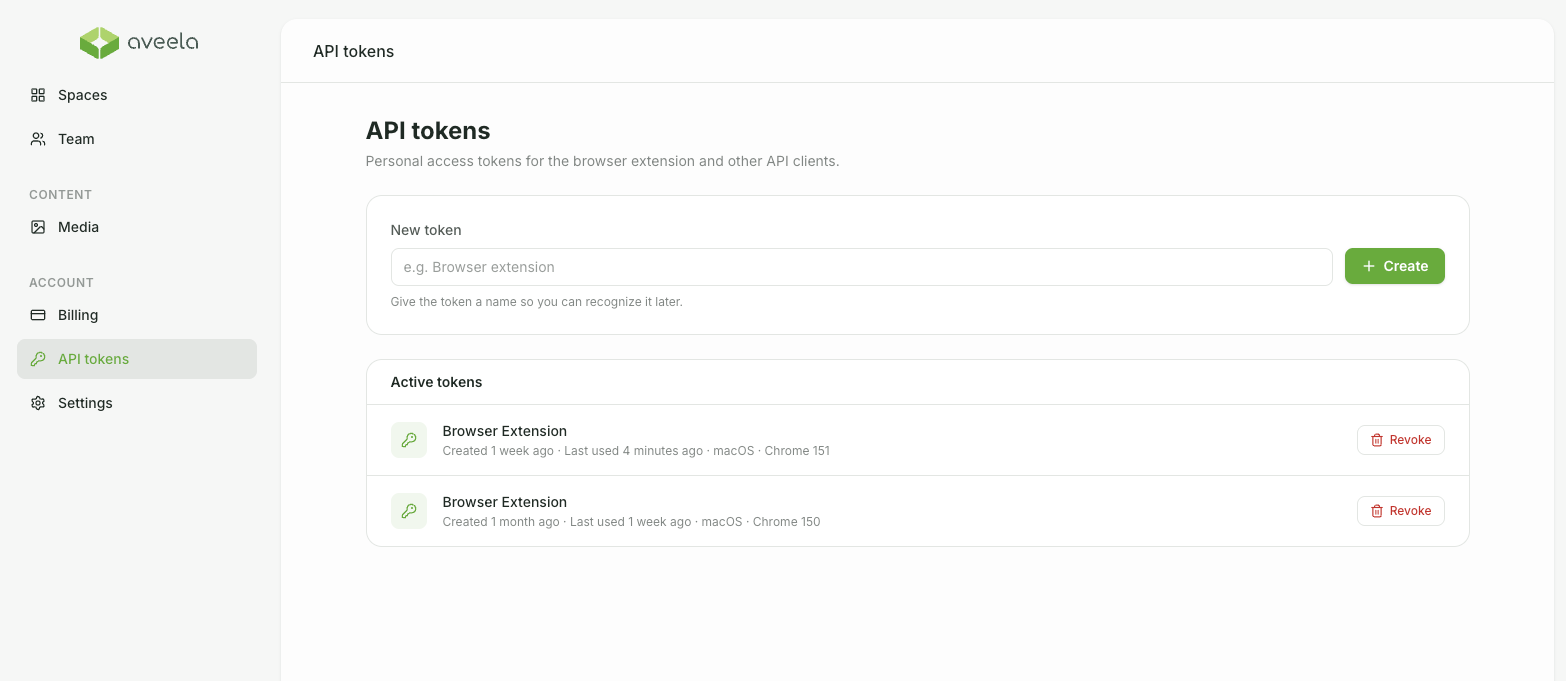
The token generated when connecting the extension will automatically appear here as "Browser Extension" and can also be revoked.