

Pages
Media Library
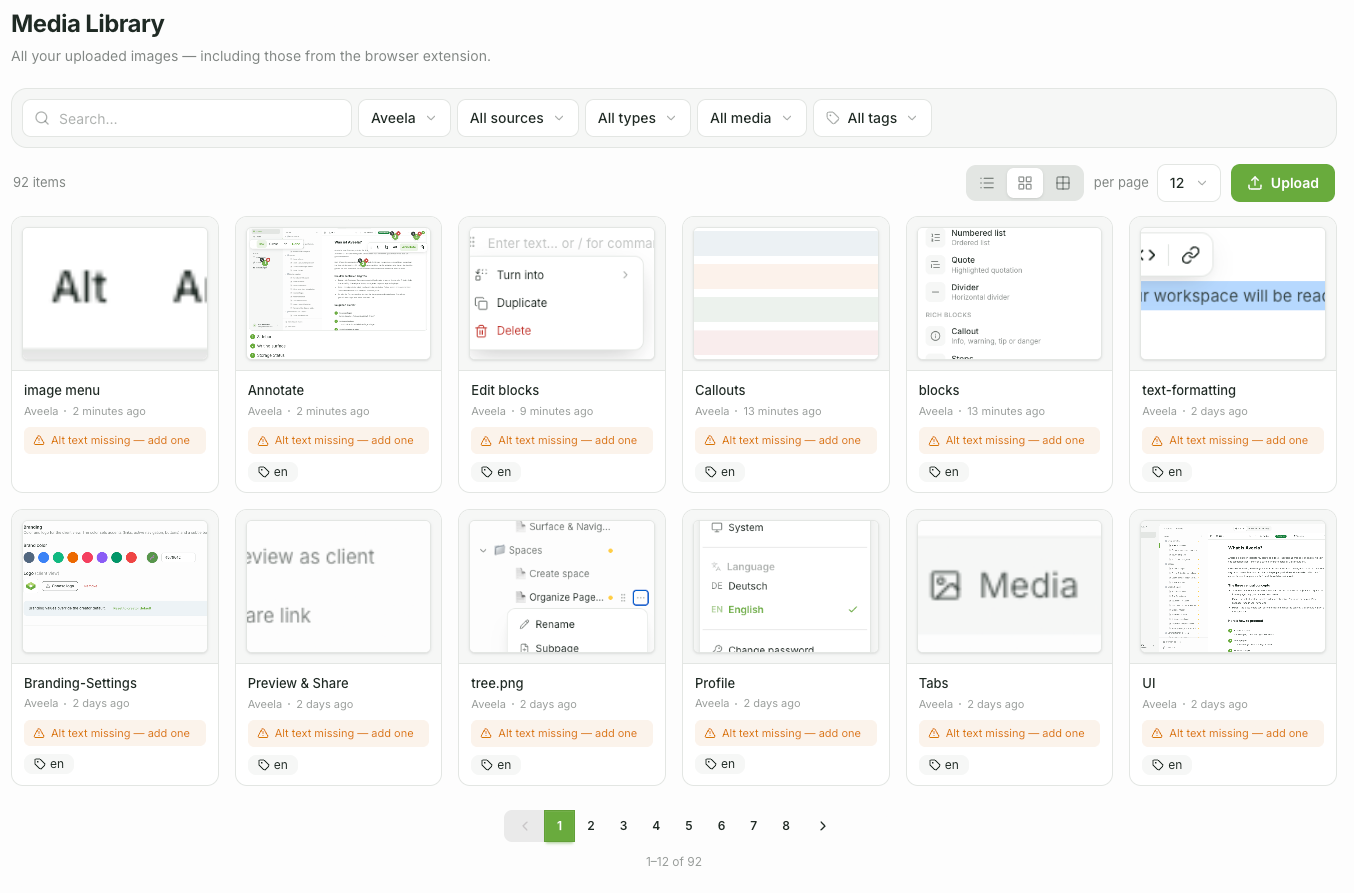
The media library collects all uploaded images. You can access it centrally via the Media navigation item (across all spaces) or from within a specific space.
You can reuse already uploaded images instead of uploading them again.
When inserting via
/ → Image, you access the same library directly.
Information
For media data storage (public vs. protected), see Visibility & Access.