Pages
Take screenshots
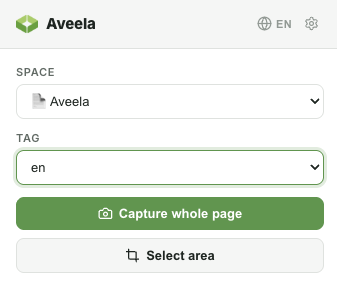
With the connected extension, you can capture an entire page or a freely selected section—even long, scrolling pages are fully assembled.
The screenshots are saved in the selected Space's media library.
From there, you can use them just like any other image—especially in combination with AI Writing assitant which generates a page layout from multiple screenshots (see Chapter Create content)