Pages
Delete account
You can delete the account under Account → Settings in the Danger Zone. Only the owner can delete the account.
Here’s how to delete your account
Select "Delete Account" in the danger zone.
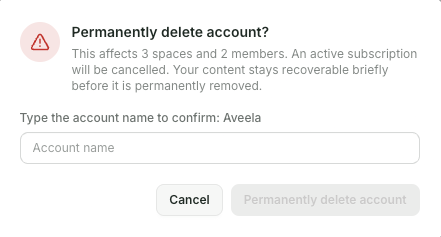
In the confirmation dialog "Permanently delete account?", you can see how many spaces and members will be affected.
Enter the account name to confirm and select "Permanently delete account".